
GUIDE · UPDATED 20 OCTOBER 2026
What is a config sheet?
A config sheet is a table of reference values that people and systems look up instead of retyping, such as product option codes, customer and supplier cross-references or the lookup values behind labels and kits. SmartFACT Data keeps these tables with defined columns, checks every change before it is saved and keeps each saved version, so you know which values each product received.
What a config sheet holds
In a factory, a config sheet is usually a spreadsheet tab that several jobs depend on. It holds values, not instructions. Typical examples:
- Product option tables: the code for each finish, colour, control side or size band, such as Left hand = LH and Standard finish = 0012.
- Customer and supplier cross-references: a customer’s product code beside your own, or a supplier’s code for the part you call by another name.
- Code lists: the permitted values for a field, so everyone picks from the same list.
- Lookup sheets for labels and kits: the customer code printed on a label, or the kit a customer’s product is packed as.
- Shop SKU mappings: which stock item a shop product code means, and how many of it each sale takes.
How config sheets go wrong
The values are rarely the problem. The copies are. One person corrects a code in the master spreadsheet while another works from last month’s export. A code such as 0012 is opened in a spreadsheet program and becomes 12. Two rows quietly claim the same key. Nobody can say which version was used for the labels printed last Tuesday.
Each of these is a question about change, not about the value itself: who changed it, what changed, and which copy reached which system.
What a well-kept config sheet needs
- Defined columns and types, so a code stays text and a count stays a whole number.
- A unique key, so one customer code cannot point at two of your products.
- A review before each save, showing what is added, changed and removed.
- Every saved version kept, with a note saying why it changed.
- A deliberate handover to each system that uses it, with a record of the version it received.
How SmartFACT Data keeps them
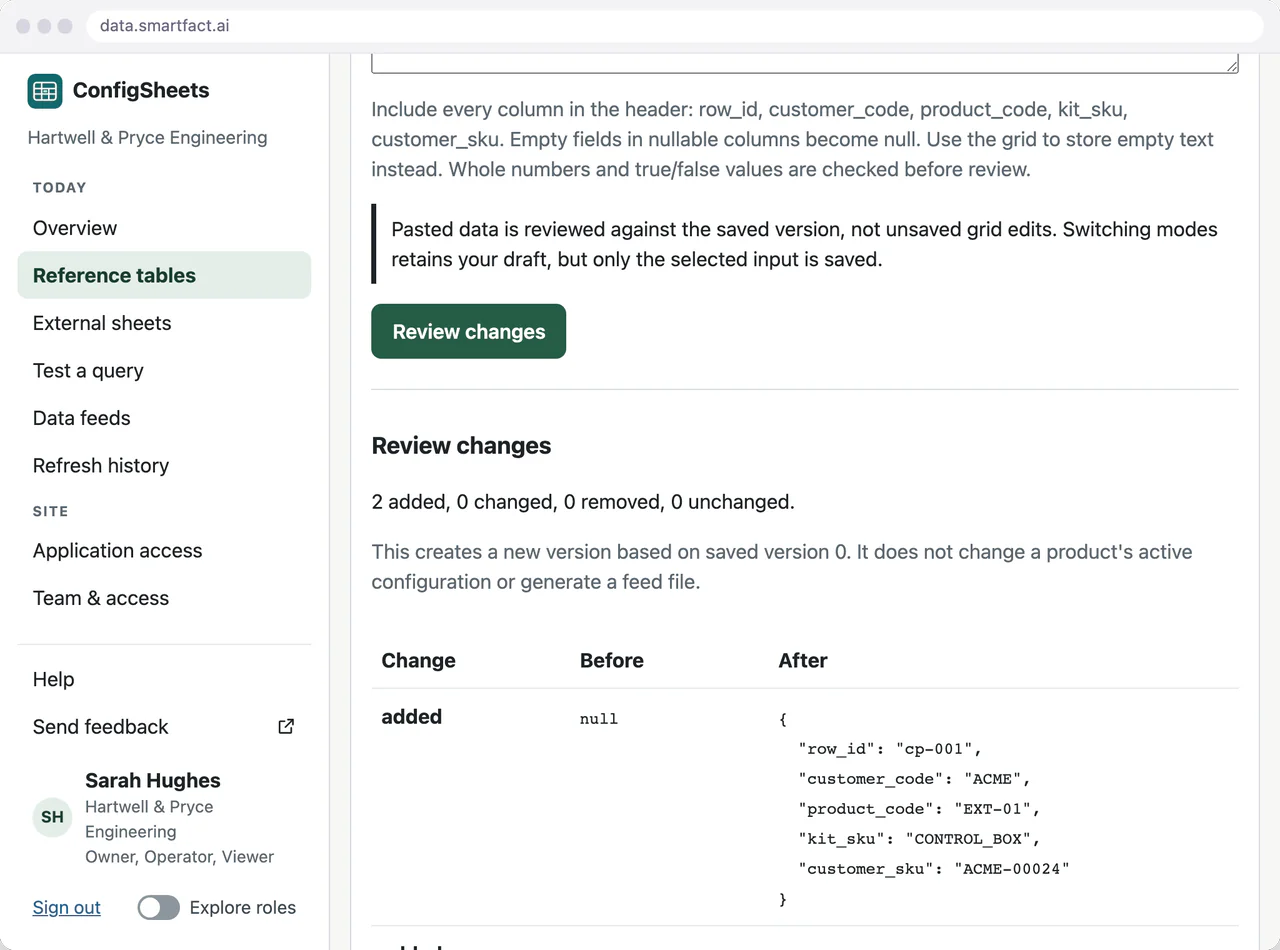
Each table in SmartFACT Data has defined columns, a row identifier and key columns that must be filled in and unique. Bring an existing sheet across by pasting its rows with the header row, then edit in the grid. Review shows the effect of every change before the save, and each save keeps a new version with its note.
A receiving product, such as LabelRules or KitProof, takes data from a saved version and reviews it before use. Versioned reference tables covers editing and versions in detail.
Config sheets and rules are different things
A config sheet says what a value is. A rule says what to do with it, such as which label a code appears on. SmartFACT Data keeps the values; the product that uses them applies its own reviewed rules. That keeps a correction to a code from silently changing how a product behaves.
Questions
Is a config sheet the same as a configuration file?
Not here. A software configuration file sets how a program runs. A config sheet in manufacturing is business reference data: codes, options and lookup values that people maintain and several systems read.
Can we keep using our spreadsheet?
Yes, as a place to prepare rows: paste them in with their header row and review the result. Once saved, the table does not depend on the original spreadsheet.
Read next
Is one of your config sheets a good place to start?
Tell us what the table holds, who maintains it and which product or system reads it.
Tell us about your data ↗